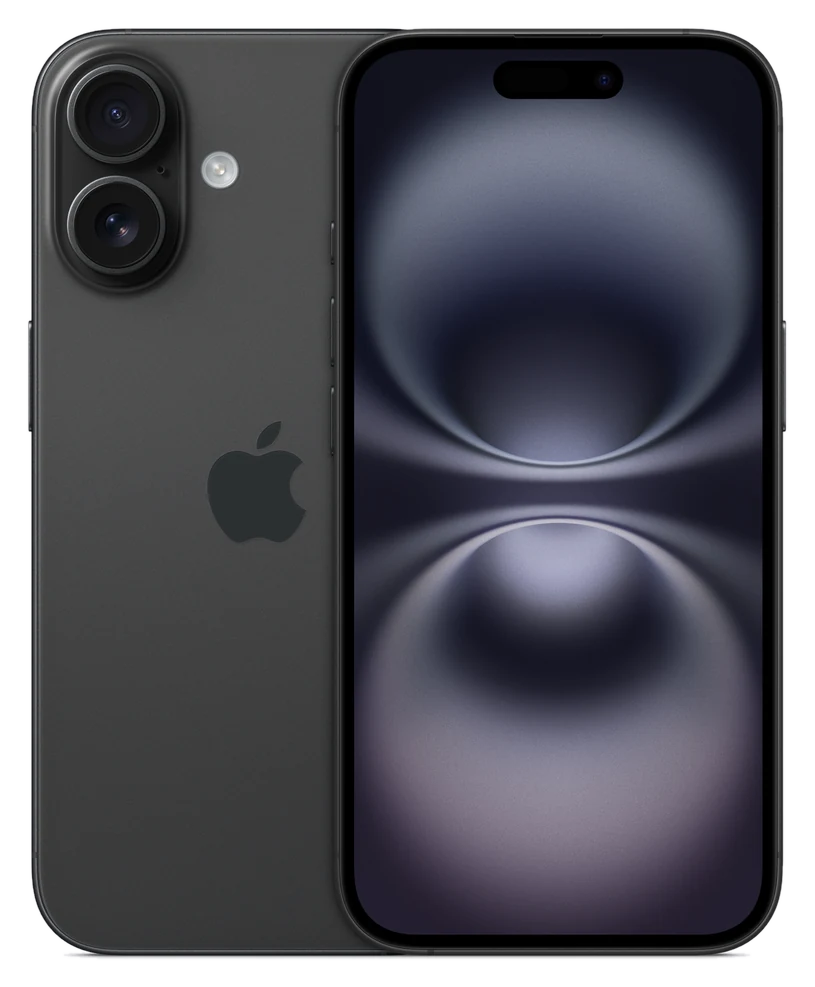
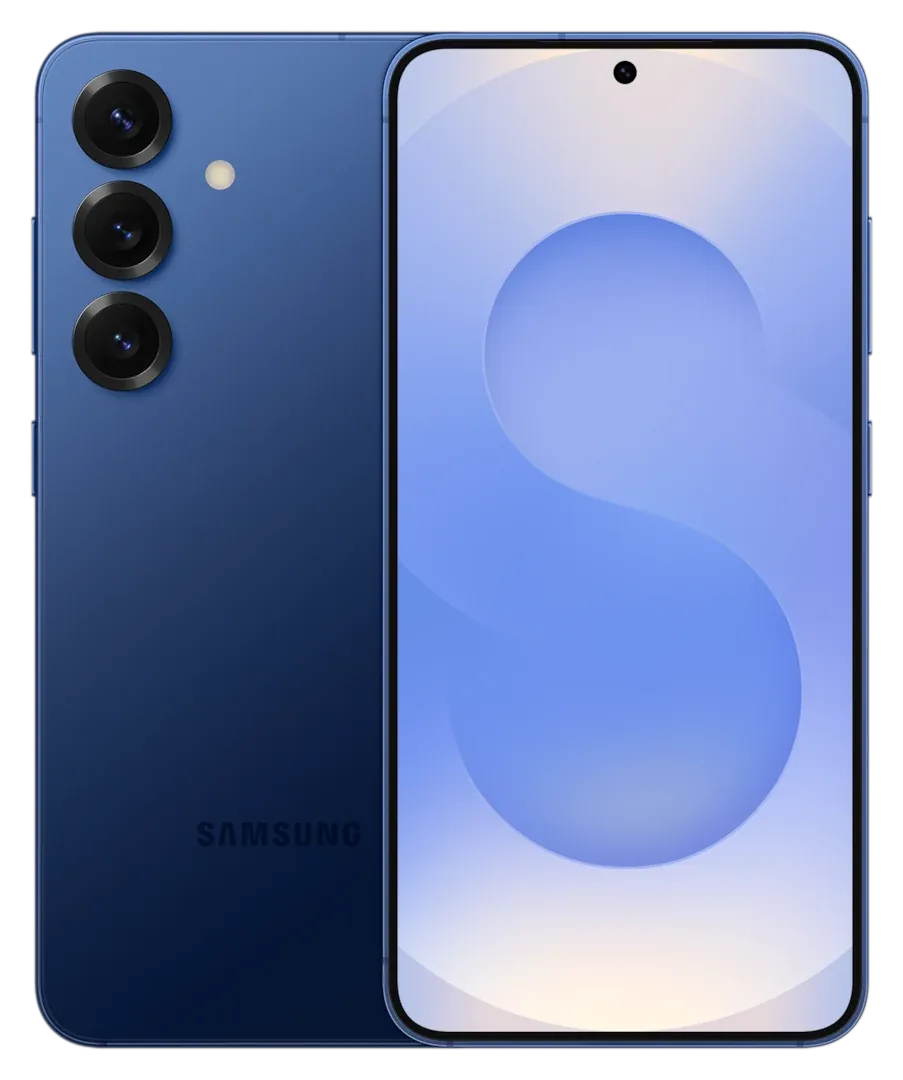
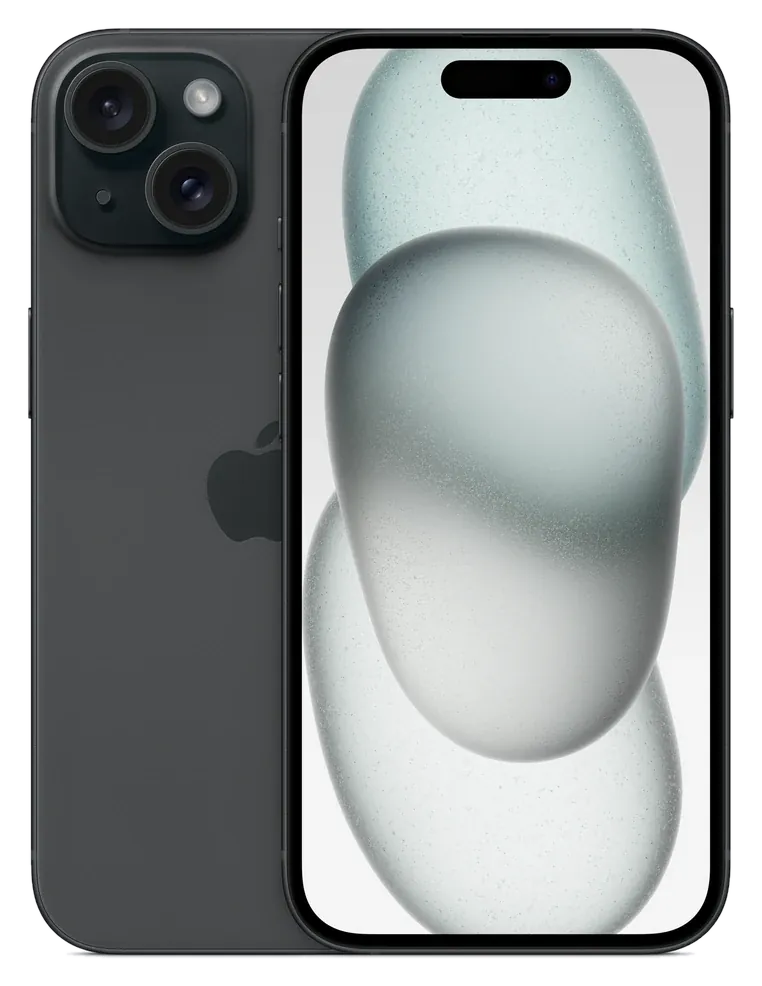
most phones last three to five years before something becomes a problem, and a well-made one can go six or seven. The two things that end a phone's life are the battery wearing down and the software updates stopping. A slow phone is rarely the cause.
What decides how long a phone lasts
Software updates
This sets the real limit. Security updates are what keep a phone safe to use for banking and email. Apple does not publish a fixed number, but iPhones have typically been supported for around six years. Samsung promises up to seven years of Android and security updates on the Galaxy S25 and S25 FE, and six generations on the Galaxy A56 and A36.
The battery
A battery loses capacity with every charge cycle. Apple rates the iPhone 15 and later to keep 80% of their original capacity after 1,000 full charge cycles, which for most people is around three years of daily charging. A worn battery can be replaced, usually for much less than a new phone.
Physical damage
Cracked screens and water damage end more phones than age does. A case and a screen protector are cheap compared with a repair.
Speed
Phones slow down mostly because apps get heavier. A recent chip with enough memory stays usable for years. Our storage guide explains why a full phone feels slow.
How long you can expect
| Phone type | Typical useful life | Main limit |
|---|
| Budget Android | 3 to 4 years | Updates and performance |
| Mid-range Android (A56, A36) | 4 to 6 years | Battery |
| Flagship Android (S25 range) | 5 to 7 years | Battery |
| iPhone | 5 to 7 years | Battery and storage |
Signs it is time to upgrade
One of these is not a reason on its own. Two or three together are.
- The battery no longer lasts the day, and a replacement is not worth it.
- Security updates have stopped.
- Apps you need no longer run, or they crash often.
- The screen is damaged or the charging port is failing.
- The storage is always full and you have already cleared what you can.
How to make a phone last longer
- Fit a case and a screen protector on day one.
- Avoid leaving it in a hot car or on a radiator.
- Keep the software up to date.
- Try not to run it flat or leave it at 100% on charge for days.
- Choose more storage than you think you need.
Should you buy a new phone or replace the battery?
If the phone still gets security updates and the only problem is the battery, replace the battery. If updates have ended or the phone is damaged in more than one place, buy new. When you do, our guides on the iPhone 15 and 16 and the best phones under £500 can narrow down the choice.
Common questions
Do phones slow down on purpose?
No. Newer software and apps ask more of older hardware, and the battery wears, which can reduce peak performance on some phones.
How many years of updates should I look for?
At least five. Seven is better if you want to keep the phone as long as you can.