Apple Phone
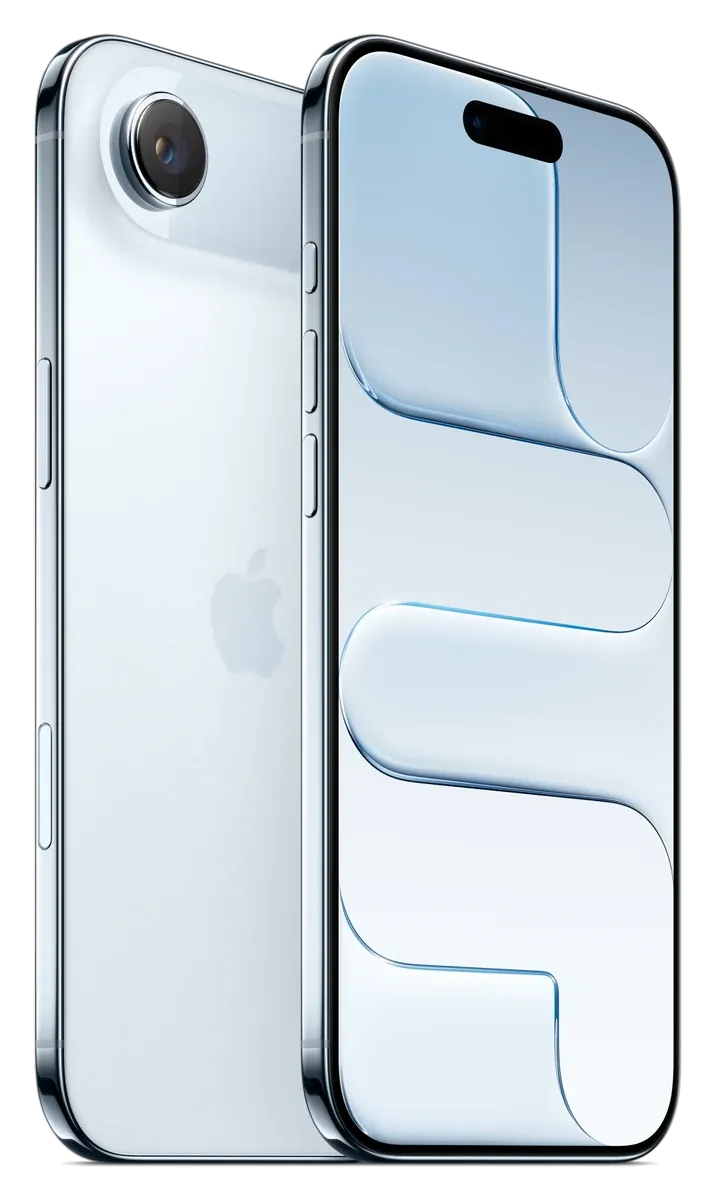
iPhone Air
6.5-inch 120Hz OLED, Apple A19 Pro, 48MP camera.
256GB / 512GB / 1TB · 4 colours
5 September 2026 · The NexCell team · Updated 6 October 2026
How eSIM works, which phones are eSIM only, and how to move your number across without losing it.


An eSIM does the same job as a physical SIM card, but it is built into the phone and set up digitally. Most recent iPhones and Galaxy phones support it, and some have dropped the SIM tray altogether.
Instead of putting a card in the phone, your network gives you a code or an app activation, and the phone downloads your plan. There is no card to lose, and many phones can hold more than one eSIM, so you can keep a personal and a work line on one handset, or add a travel plan abroad.
The iPhone Air has no physical SIM tray, so it needs an eSIM. Most other phones we sell support a physical SIM and an eSIM together. The SIM line in the specifications on each product page tells you which applies.
To move your number to a new network, ask your current network for a PAC code and give it to the new one when you sign up. Your number then transfers, usually within a working day. Do not cancel your old plan before the transfer is arranged.
Apple Phone
6.5-inch 120Hz OLED, Apple A19 Pro, 48MP camera.
256GB / 512GB / 1TB · 4 colours
Update support, battery wear and the signs that a phone has reached the end. A plain way to decide.
What the terms mean in the UK, whether a SIM-free phone works on every network, and how to check a phone is unlocked.
Step-by-step transfers between iPhone and Android, plus the things people forget: WhatsApp, authenticator apps and eSIM.
Browse the phones and accessories covered in this guide.